Save on Big Buys: How to Avoid Dynamic Pricing and When It's Worth It

The fastest way to avoid dynamic pricing is to strip away the data retailers use to profile you (private browsing, cleared cookies, a different device or network), then compare prices across sites before you buy. Combine that with patience and price tracking, and you’ll dodge most inflated quotes. Some situations, like a surging rideshare fare or the last hotel room in town, resist every trick. Know the difference going in.
TL;DR:
- Using private browsing modes, clearing cookies, and switching devices or networks can help reduce personalized pricing, but surge fares and last-minute deals often resist these tactics.
- Price differences caused by profiling are most common in airlines, hotels, and retail sites, with some prices changing based on your location, device, or search behavior.
- Running quick tests like comparing prices on mobile and desktop, clearing cookies, or using a VPN can reveal whether a displayed price is personalized or universal.
- For high-value purchases, automated comparison tools and setting price alerts can save money by identifying genuine deals and avoiding inflated quotes.
- When price manipulation is unavoidable, waiting for discounts, asking for price matches, or setting maximum spending limits can limit damage.
Table of Contents
- Where Dynamic and Personalized Pricing Show Up
- How Can You Tell If a Price Is Personalized?
- Practical Tactics to Reduce or Avoid Dynamic Pricing
- What to Do When You Can’t Avoid Dynamic Pricing
- The Regulatory Side of Personalized Pricing
- Is All This Effort Actually Worth It?
- A Faster Way to Check You’re Not Overpaying
- Sources
Where Dynamic and Personalized Pricing Show Up
Dynamic pricing and personalized pricing aren’t the same thing, and mixing them up leads to the wrong defense. Dynamic pricing reacts to supply and demand: a flight gets pricier as seats fill up, a rideshare surges when it’s raining and everyone wants a car at once. Personalized (or surveillance) pricing is different. It uses your own profile, browsing history, and device signals to decide what price you, specifically, see.
You’ll run into one or both in these places:
- Airlines and hotels: prices shift by search volume, booking window, and sometimes by your search history.
- Rideshare and delivery apps: surge pricing kicks in during peak demand or bad weather.
- Online retail: the same sneakers can price differently based on your location, device, or loyalty status.
- Ticketing platforms: concert and event prices climb as inventory shrinks.
- Shopping apps: logged-in users sometimes see different prices than guests, based on purchase history.
How Can You Tell If a Price Is Personalized?
Before you assume you’re being singled out, run a few quick tests. None take more than a couple of minutes, and together they’ll tell you whether the price on your screen is really the price everyone sees.
- Open the same product on your phone and your laptop. A mismatch, especially between mobile and desktop, is a classic sign of device-based pricing.
- Clear your cookies and cache, then reload the page. If the price drops, your browsing history was likely a factor.
- Try an incognito or private window. This blocks the site from reading stored identifiers tied to your regular browsing.
- Switch networks or try a VPN. Location and IP address both feed into pricing algorithms.
- Log out and browse as a guest. Logged-in pricing sometimes runs higher for known repeat visitors.
Watch for these red flags: a price that jumped right after you looked at the item twice, a “3 people are viewing this” banner paired with a sudden price bump, or a countdown timer that resets every time you revisit the page. Retailers also track how long your cursor lingers over a product. Hovering repeatedly or revisiting the same item can signal purchase intent to tracking algorithms, which some systems interpret as a green light to raise the price.
Pro Tip: Screenshot the price the moment you see it. If you come back later and it’s changed, you’ll have proof, and a stronger case if you ask customer service for a price match.
Practical Tactics to Reduce or Avoid Dynamic Pricing
Think of this as a toolkit, not a checklist you need to run every time. Match the effort to the purchase.
In your browser:
- Use incognito or private mode for anything price-sensitive.
- Clear cookies and cache between searches, or use a fresh browser profile with no saved history.
- A VPN or a different Wi-Fi connection can mask your usual location, which is one of the biggest inputs into personalized pricing algorithms.
With your device and timing:
- Check prices on both mobile and desktop; retailers sometimes charge more on mobile, assuming less price comparison happens there.
- For flights, timing matters more than any browser trick. Off-peak domestic trips tend to price lowest 1 to 3 months out, while peak-season travel often prices best 3 to 6 months ahead.
- Set price alerts through a comparison tool so you’re not manually rechecking every day.
In your behavior:
- Shop as a guest instead of logging in, especially on sites where you’ve bought before.
- Avoid lingering on a product page for long stretches. Repeated hovering can read as buying intent to tracking scripts.
- In physical stores, paying cash denies retailers the identity signals tied to loyalty cards and app check-ins.
At checkout:
- Add an item to your cart, then walk away for a day. Some retailers send a discount code to bring you back.
- Ask customer service directly about price-match policies before you complete a purchase.
Pro Tip: Loyalty apps feel like free savings, but they also hand retailers more data about your habits and how much you’re willing to pay. Weigh the point rewards against what you’re giving up.
What to Do When You Can’t Avoid Dynamic Pricing
Sometimes there’s no workaround. A flight is genuinely the last cheap seat, or a delivery app is surging because it’s a Friday night in the rain. When that happens, focus on limiting the damage instead of beating the system outright.
- Abandon your cart and wait. Retailers frequently follow up with a discount to recover the sale.
- If you already bought and the price drops within the return window, contact the seller and ask for a price adjustment.
- Set a firm maximum price before you start shopping, and walk away the moment a listing crosses it.
- Check a partner marketplace’s markdown cycles if the item shows up in liquidation or clearance batches later.
The Regulatory Side of Personalized Pricing
The Federal Trade Commission has flagged surveillance pricing as a consumer issue and published guidance explaining how companies build pricing profiles from your data. It’s a useful starting point if you want to understand what’s legally happening behind the scenes.
A handful of states have introduced or passed laws requiring disclosure when a price has been personalized, though enforcement and coverage still vary widely from one state to the next. Don’t assume protection just because you’ve heard a headline about a new rule.
If you suspect you were charged a different price than another shopper for no legitimate reason:
- Document the discrepancy with screenshots, including timestamps.
- File a complaint with the FTC through its consumer complaint portal.
- Report the pattern to your state attorney general’s office if you believe a disclosure law was violated.
Is All This Effort Actually Worth It?
Here’s the honest math: running the full privacy stack, cross-referencing devices, tracking prices over weeks, is worth it for a flight, a mattress, or anything north of a couple hundred dollars. For a $15 phone case, skip the theater and just check one or two sites.
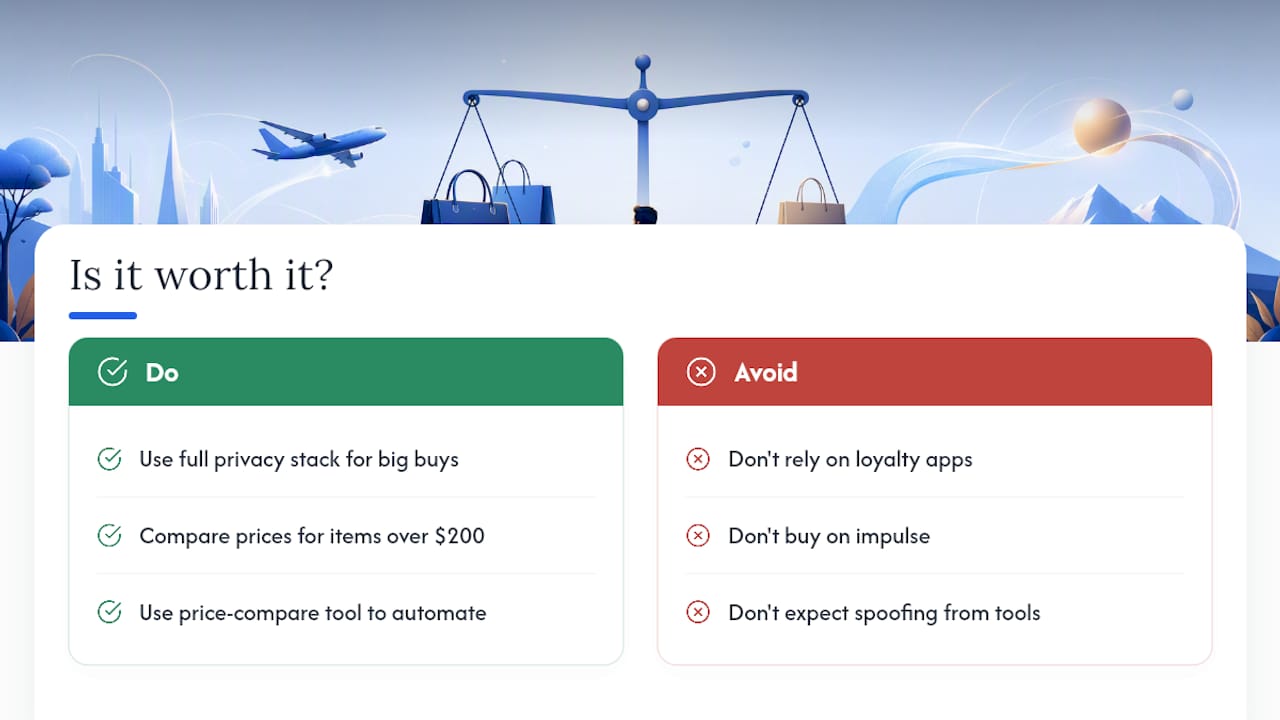
The uncomfortable truth about dynamic pricing is that most shoppers know it exists but still buy on impulse anyway, which is exactly the behavior these systems are built to exploit. Loyalty apps make this worse, not better. Every scan at checkout feeds the same profile you’re trying to avoid.
If manually clearing cookies and comparing five tabs sounds like a chore, a tool like Aipricesearch automates the comparison step by checking verified retailers at once. It won’t spoof your location or fake a private browser session for you. It just removes the busywork of comparison, which is half the battle anyway.
— Timothy
A Faster Way to Check You’re Not Overpaying
Every tactic in this article buys you protection, but they all take time you might not have when you’re staring at a checkout page. This comparison tool pulls prices from multiple verified US retailers and sources, flags dropship markups, and tracks price history so you can better judge if a price is a good deal or just a markdown.
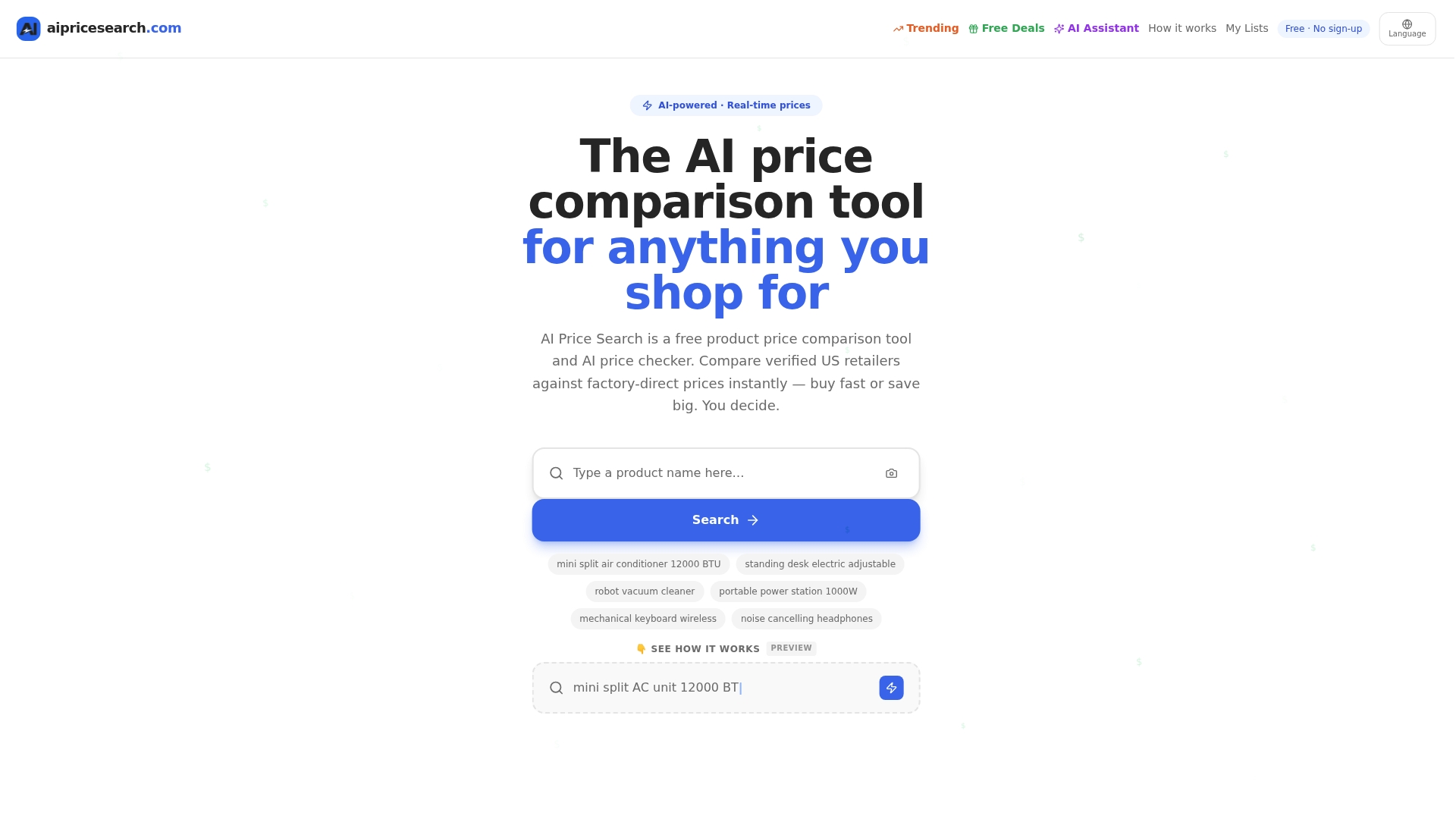
Users have reported average savings through using price comparison tools simply by checking before they click “buy.” You still get to run your own privacy checks. This just removes the guesswork of figuring out whether the price in front of you is the best one available. Start a search on Aipricesearch before your next purchase, or browse current verified deals to see the kind of savings other shoppers are finding right now.
Sources
- Best time to buy flights — Forbes Advisor
- Pros and cons of incognito mode — Kaspersky
- What is dynamic pricing, and why do consumers need better protections? — Brookings
- Personalized pricing has spread across many industries. Here’s how consumers can avoid it — PBS NewsHour
- Surveillance pricing — Federal Trade Commission
Recommended
- 225 Product Searches Analyzed Amazon Leads As Cheapest Retailer In 51 Of Cases
- Amazon Vs Walmart Price Leadership Across 182 Weekly Searches
- August Price Tracker Amazon Leads In Value Across 153 Shopper Queries
- Retailer Price Wars Aliexpress And Amazon Split The Lead In 184 Consumer Searches
Want to compare offers instantly? Search any product on AI Price Search.
Search a price →