Track LEGO Prices by SKU and Landed Cost to Avoid Overpaying
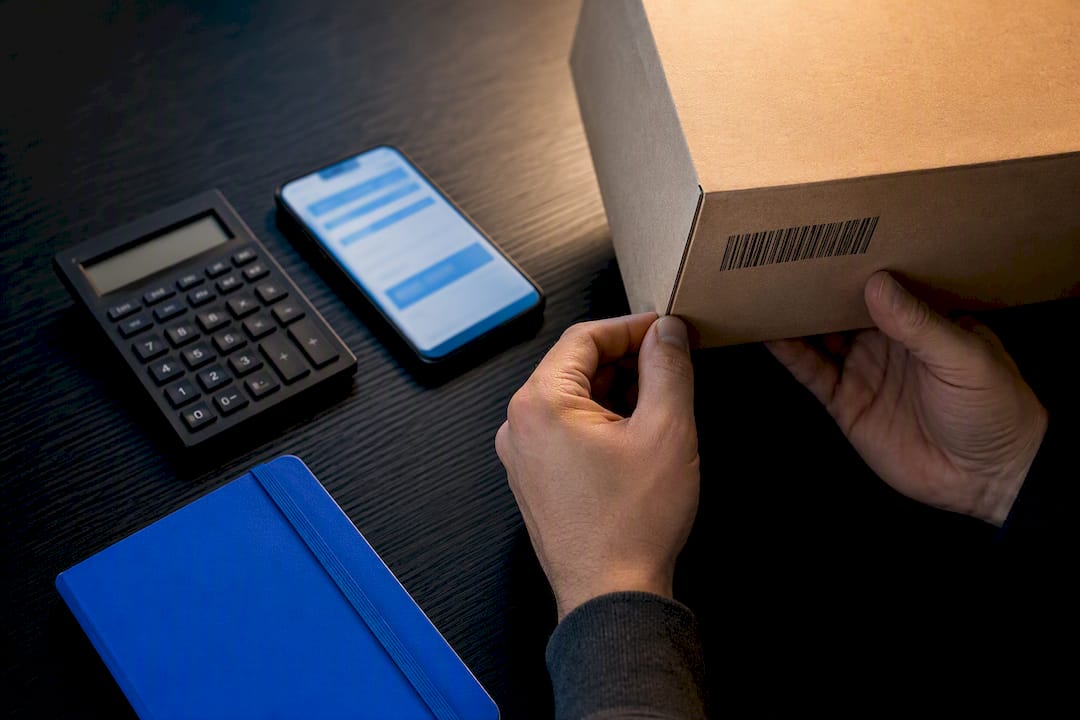
The fastest way to track LEGO prices is with an AI-backed price comparison tool that matches the exact set number across retailers and sends alerts the moment your target price hits. Before anything else, confirm the SKU, set a real target price or percentage drop, and filter out unrated sellers. The steps below cover setup, common mistakes, and a workflow you can repeat for every set on your list.
TL;DR:
- Always confirm the exact set number, variant details, and seller rating before setting a price alert to avoid false positives.
- Use real-time comparison scans for immediate purchases and price history trackers for patience-based savings strategies.
- Compare the final total cost, including shipping, taxes, and fees, rather than relying solely on the listed sticker price for accurate savings.
- Tracking by SKU and seller reliability significantly reduces false alerts, especially for retired or store-exclusive sets.
- Regularly prune your watchlist and adjust alert thresholds after a week to avoid noise and improve deal accuracy.
Table of Contents
- What You Need Before You Start Tracking a LEGO Set
- Best Methods to Track LEGO Prices and When to Use Each
- How to Set Effective Price Alerts for LEGO Sets
- How to Compare the True Final Cost, Not Just the Sticker Price
- Common Pitfalls and Pro Tips When Tracking LEGO Prices
- A Compact Workflow You Can Copy: Discovery to Buy
- Why SKU-First Tracking Beats Chasing Deals by Feel
- How Aipricesearch Helps You Track LEGO Prices Without the Guesswork
- Sources
What You Need Before You Start Tracking a LEGO Set
Grabbing the right details up front saves you from chasing a price alert that turns out to be for the wrong box.
- The exact LEGO set number, SKU, or UPC (not just the set name, since retired sets often share names with reissues)
- Any variant details that matter: exclusive packaging, bundle inclusions, or region-specific box art
- Your minimum acceptable seller rating and which seller types you’ll actually buy from
- A specific target price or percent-drop threshold, plus how long you’re willing to wait
- Your preferred alert channel (email, push, or browser) and how often you want to hear from it
Skip this step and you’ll end up with alerts for a “similar” listing that turns out to be a different printing entirely.
Best Methods to Track LEGO Prices and When to Use Each
Not every tracking method fits every purchase. A last-minute birthday gift needs a different approach than a set you’re willing to wait three months to buy at the right price.
- Real-time comparison scans. These pull current prices across retailers instantly, which makes them the right call when you need to buy today and just want to confirm you’re not overpaying. Real-time cross-store comparison shows up in roughly 47 of 106 shopping apps studied, making it the most common feature category in the space.
- Price history trackers with alerts. These log a set’s price over weeks or months and notify you when it drops. They’re built for patience. Price history and alerts work best when you can hold off buying and let the data tell you when a deal is genuinely good, not just advertised as one.
- Browser extensions and coupon checkers. These stack savings at checkout rather than helping you find the base price. Use them as a last step, not a discovery tool.
- Manual watchlists. Spreadsheets or bookmark folders work in a pinch, but they fall apart fast with LEGO because so many sets share near-identical names across colorways, bundles, and store exclusives.
How to Set Effective Price Alerts for LEGO Sets
A sloppy alert setup buries you in noise. A tight one tells you exactly when to act.
- Confirm the SKU or UPC before you save anything. This is the single biggest source of false alerts.
- Choose absolute price or percent-drop triggers. For sets under $50, a 10 to 15% drop is usually meaningful. For sets over $150, even a 5% drop can represent real savings.
- Filter by seller type and require a minimum seller rating wherever the platform allows it.
- Pick your cadence: instant alerts for rare or limited sets, a daily digest for everything else.
- Give it a week, then adjust. If you’re getting alerts you ignore, your threshold is too loose.
Saved-item baselines with daily checks and clear target-price rules cut down on noisy, unreliable alerts compared to ad-hoc single-page watching.
Pro Tip: Set your first alert threshold slightly looser than you think you need, then tighten it after a week once you’ve seen how often that set actually moves in price.
How to Compare the True Final Cost, Not Just the Sticker Price
A $79.99 set with free shipping and no tax can beat a $71.99 set that adds $12 in shipping and 8% sales tax. The lowest listed price is rarely the lowest total cost.
- Shipping (flat rate, free-shipping thresholds, or membership perks)
- Sales tax, which varies by state and sometimes by seller
- Handling or marketplace fees, common on secondary platforms
- Store credit or bundle value, which can offset a higher upfront price
Comparing final checkout offers rather than sticker prices is the only reliable way to know which retailer actually wins, since taxes and fees can swing the total by 10% or more depending on your state and the seller. When a bundle throws in a second small set or store credit, run the math before assuming it’s the better deal. And when two prices are within a few dollars of each other, pick the more reliable seller every time. Comparing list price against actual seller price also matters, since advertised MSRP or “list price” often doesn’t match what a retailer actually charges at checkout.
Common Pitfalls and Pro Tips When Tracking LEGO Prices
The most expensive mistake in LEGO price tracking isn’t missing a deal. It’s acting on the wrong one.
- Tracking a free-text title instead of the exact set number, which triggers alerts for the wrong printing or a bundle you didn’t want
- Ignoring shipping and tax until checkout, then discovering the “deal” wasn’t one
- Trusting a low price from an unrated or brand-new marketplace seller
A stable identity built on set number, SKU, or UPC instead of a product title avoids most false-positive alerts, especially for sets sold in multiple box variants.
Pro Tip: For retired or store-exclusive sets, set a tighter buy window. Once a limited run sells out at a given retailer, waiting for a “better price” can mean waiting for a price that never comes back.
A Compact Workflow You Can Copy: Discovery to Buy
Run this same sequence whether you’re tracking one set or ten.
- Scan first. Do a quick cross-store comparison to see the current price range for the set.
- Validate. Confirm the SKU matches, check the seller’s rating, and calculate the landed cost including shipping and tax.
- Alert. Save a threshold that reflects the set’s price band, with seller filters applied.
- Act. Buy within your preset window, or wait for a second confirming alert if the first one feels borderline.
- Prune. Once a month, clear out watches for sets you’ve bought or no longer want. A cluttered watchlist buries the alerts that actually matter.
Three test items, a low-cost set, a mid-range set, and a flagship set, are enough to tune your thresholds and see how much time you’re actually saving versus how much attention the tracking takes.
Why SKU-First Tracking Beats Chasing Deals by Feel
Most people track prices the way they shop: by scrolling and hoping something looks cheap. That’s backwards. The sets that cost people the most money aren’t the ones they missed. They’re the ones they bought because a price looked good without checking whether it was the right box, the right seller, or the right total.
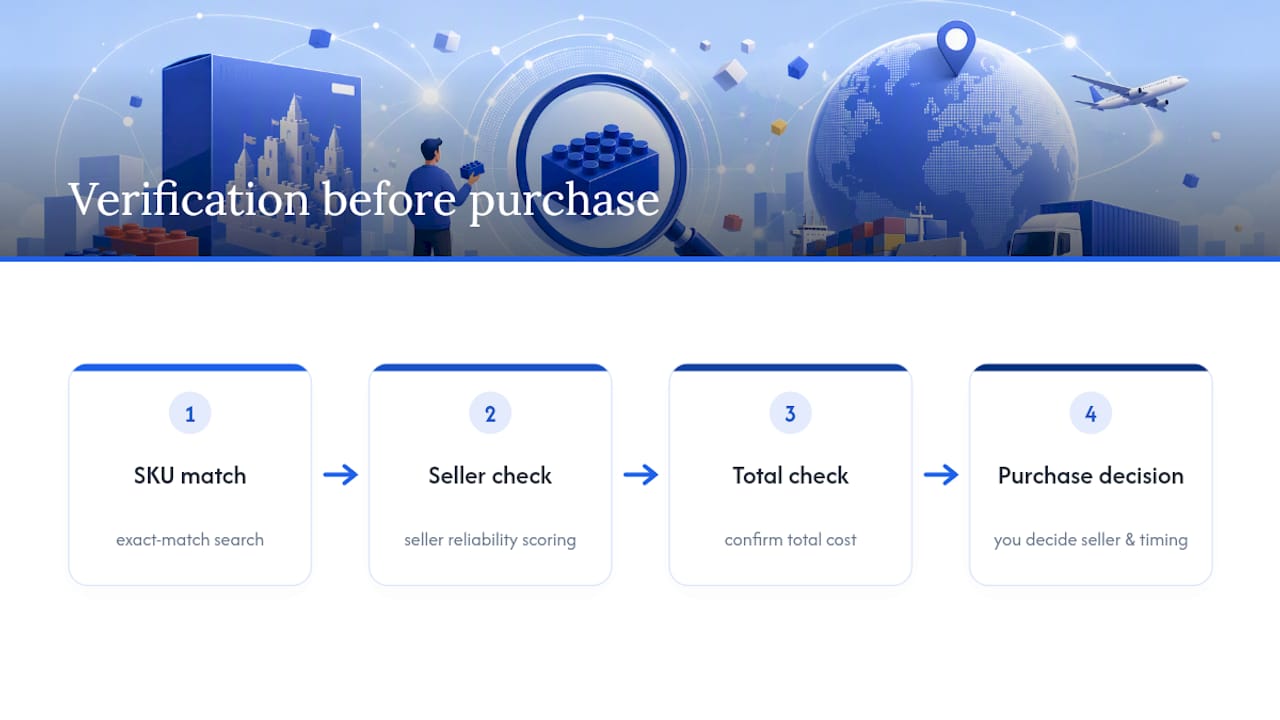
AI Price Search reports average savings of $212 per user this month, and the pattern behind that number isn’t luck. It’s shoppers matching the exact SKU before they buy, filtering out sellers with no track record, and letting an alert do the waiting instead of refreshing a tab five times a day. The tool’s own feature set, exact-match search, seller reliability scoring, and price alerts, exists because manual tracking breaks down exactly where LEGO sets get complicated: reissues, bundles, and store exclusives that share a name but not a box.
None of this replaces judgment. A tool flags the opportunity. You still decide if the seller, the total cost, and the timing are actually right.
— Timothy
How Aipricesearch Helps You Track LEGO Prices Without the Guesswork
Aipricesearch gives you one thing most trackers don’t: a Dropship Detector that flags inflated listings before you click through, so the “deal” you’re chasing isn’t a markup in disguise. Pair that with exact SKU and image matching, seller reliability scoring, and targeted price alerts, and you’ve got the setup this article just walked through, built into one tool instead of five browser tabs.
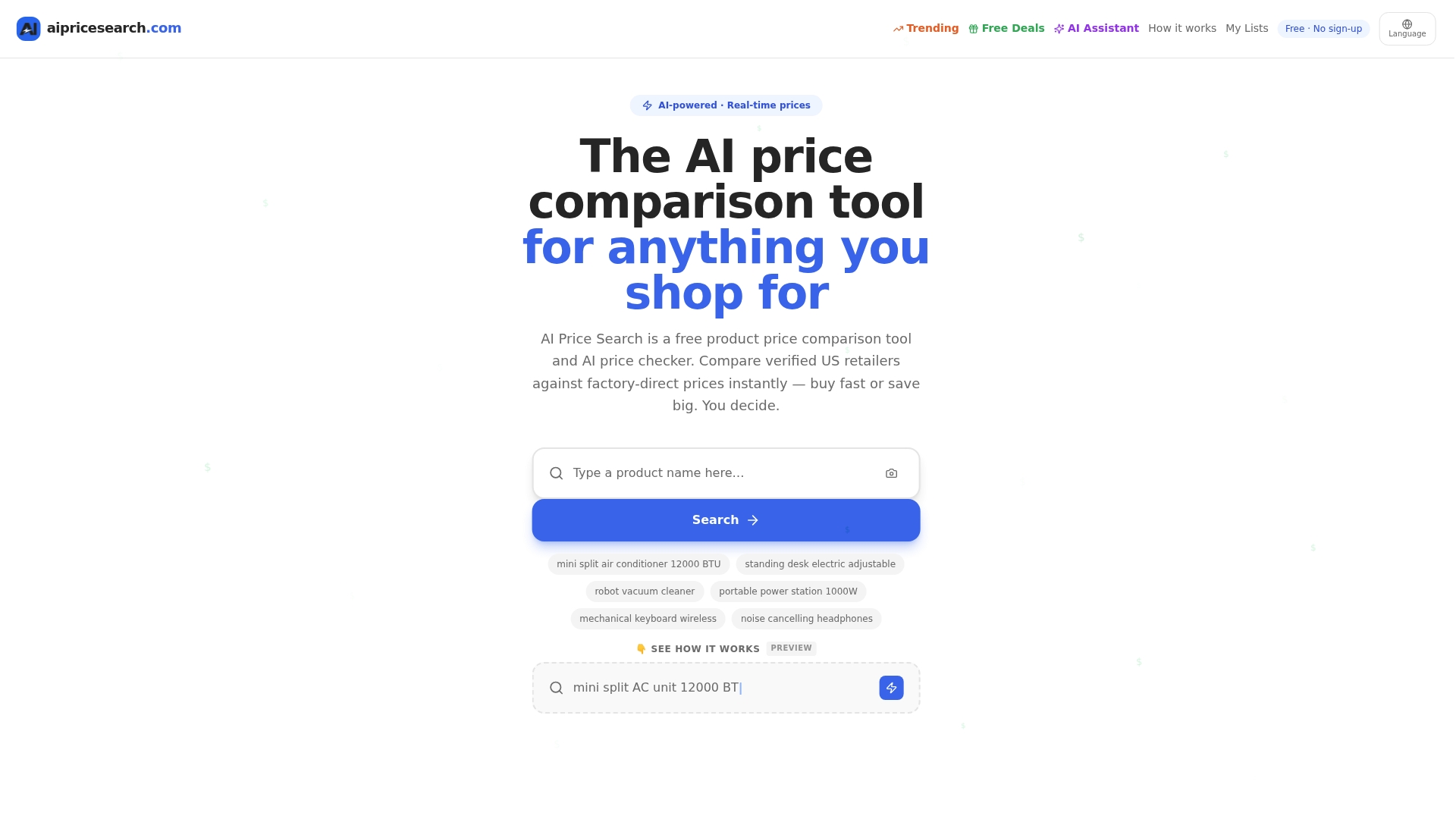
Start small: run one LEGO set through AI Price Search’s comparison tool using its image search or exact SKU match, then save a price alert with your target threshold. If you want to see how the matching stacks up against the tool you might already use, the comparison with Google Shopping breaks down how each handles seller verification and price accuracy. For sets where seller trust matters most, check a listing against the Dropship Detector before you buy.
Sources
For more on price-tracking behavior and total-cost comparisons, see Consumer Reports on smarter price tracking, NN/g’s guide to e-commerce taxes and fees, and a breakdown of collector-tracking tool tradeoffs for context on how different tracker types approach price data.
Recommended
- Google Shopping Comparison
- 225 Product Searches Analyzed Amazon Leads As Cheapest Retailer In 51 Of Cases
- Amazon Vs Walmart Price Leadership Across 182 Weekly Searches
- Retailer Price Wars Aliexpress And Amazon Split The Lead In 184 Consumer Searches
Want to compare offers instantly? Search any product on AI Price Search.
Search a price →