Match Products Across Stores in Under a Minute Using GTINs and AI
September 25, 2026

Match Products Across Stores in Under a Minute Using GTINs and AI
The most accurate way to match a product across stores is to compare unique product identifiers like GTIN, UPC, or MPN, since those codes point to one exact manufactured item. When no identifier is listed, combine an image search with an exact spec check on model number, size, and color. Either way, confirm total cost, condition, and seller reliability before you buy.
TL;DR:
- Matching products by GTIN, UPC, or MPN provides the most reliable way to identify identical items across stores, but not all listings include these codes.
- Fuzzy matching on titles and specifications can help when codes are absent, though it may produce false positives, especially with generic or similar products.
- Using image recognition as a supplementary method verifies visual similarity, particularly for items with packaging or model variations.
- Confirming details such as condition, packaging, and fulfillment method is essential to avoid mismatched listings that look identical but differ significantly in value or delivery.
- Automated tools like AI Price Search streamline matching by aggregating identifiers and images, saving time and improving accuracy over manual comparison.
Table of Contents
- How product matching works: GTINs, barcodes, and fuzzy matching
- Step-by-step workflow to confirm a match across stores
- Tool categories and features that reliably match products
- Common mismatch traps and how to spot them fast
- What the data shows about AI-assisted matching
- When chasing the lowest price isn’t worth it
- Let AI Price Search do the matching for you
- Sources
- FAQ
How product matching works: GTINs, barcodes, and fuzzy matching
A GTIN (Global Trade Item Number), which includes the familiar UPC, is a code assigned to one specific product so that retailers, manufacturers, and shopping platforms can all agree they’re talking about the same item. GS1, the organization that issues these codes, explains that GTIN, MPN, and brand together form the most reliable way to distinguish one manufactured item from a similar one across different store listings. That reliability is why serious price-comparison tools try to match on identifiers first and treat everything else as a backup plan.
Barcode scans and UPC lookups work because they pull that exact code and search for listings that share it, which cuts out guesswork almost entirely. The catch is that not every listing includes one. Some third-party sellers omit the UPC, some marketplaces strip it during upload, and private-label goods sometimes don’t have one at all.
When there’s no code to scan, tools fall back to fuzzy matching, comparing product titles, model numbers, and attributes like size or color to guess whether two listings describe the same item. This works reasonably well for electronics with distinct model numbers, but it breaks down fast with generic-sounding titles or products that come in many near-identical variants.
Image recognition fills part of that gap by matching on how a product actually looks, which helps with items whose model strings vary by retailer, such as cosmetics or seasonally packaged goods, according to Google Merchant Center.
- GTIN, UPC, and MPN offer the closest thing to a guaranteed match between listings.
- Barcode scans work only when a listing actually includes the code.
- Fuzzy matching on titles and specs is useful but prone to false positives.
- Image search helps confirm visual identity when packaging differs across sellers.
Step-by-step workflow to confirm a match across stores
Matching a product correctly takes a few extra minutes, but it’s the difference between a real deal and an accidental downgrade. Here’s the order that works.
- Record the identifiers first. Write down the GTIN, UPC, or MPN from the packaging, product page, or manufacturer’s site, along with the exact model number, size, and color, which the FTC recommends noting before you compare prices anywhere.
- Scan or search visually. Use a barcode scanner app or run an image search if no code is available, and save the listing URL or a screenshot as a reference point.
- Compare the fine print on each listing. Check condition, whether it’s a single unit or multipack, and any variant details like color or bundle contents, since two listings can look identical while describing different products.
- Add up the real cost. Price alone doesn’t tell you much; add shipping, tax, and any listed fees to get the number that actually matters.
- Check the seller before you commit. Look at seller ratings, the return policy, and whether the item ships from the retailer or a third party, since fulfillment method changes both risk and speed.
Pro Tip: Keep a simple notes file or spreadsheet with the identifier, price, and seller for each listing you compare, so you’re not relying on memory when prices update an hour later.
This isn’t overkill. A five-minute check against the exact spec sheet catches the kind of mismatch that turns a “deal” into a return request two weeks later.
Tool categories and features that reliably match products
Not every shopping tool is built the same way, and the differences show up the moment a product lacks a clean identifier. A few categories consistently produce more accurate matches.
- Price-comparison platforms that accept UPC or image input tend to produce tighter matches than those relying only on keyword search, since they can confirm identity before ranking price.
- Barcode-scanner and photo-search apps are useful in physical stores or when a listing photo is the only reliable identifier available.
- Browser extensions and bookmarklets that surface price history and seller details let you check a listing without leaving the page you’re already on.
- Price-tracking and alert features matter because the lowest total cost today isn’t always the lowest total cost next week.
Before trusting any tool with real money, run one quick test: search a product you already know has a published GTIN, like a well-known electronics item, and see whether the results actually match on spec and seller detail rather than just similar wording. Tools that handle that test cleanly are generally worth trusting with less obvious products. For a closer look at how different platforms handle identifier-based matching, see this comparison of AI Price Search against Google Shopping.
Common mismatch traps and how to spot them fast
Two listings can look like the same product and still be completely different purchases. A few patterns cause most of the confusion.
- Multipacks versus single units: the per-item price on a 3-pack looks like a steal until you realize the “matching” listing elsewhere is one unit.
- Condition differences: new, refurbished, used, and open-box items often share a product photo but not a price, and the FTC notes that condition terms like “refurbished” materially change a product’s value.
- Bundled or accessory-only listings: a case or charger sold separately can get mistaken for the full product.
- Seller and fulfillment differences: the same item from two sellers can carry different return windows or shipping timelines.
A quick verification checklist before buying: match the UPC, weight, dimensions, and model number, and compare product images side by side. Public data from a sample of searches on the AI Price Search platform found Amazon was often the cheapest retailer, a reminder that the “obvious” lowest price still needs a spec check before checkout.
What the data shows about AI-assisted matching
Automated matching earns its keep when it does the identifier lookup and image comparison work a shopper would otherwise do by hand. According to AI Price Search’s own data, users have reported meaningful savings in recent months, largely from catching price gaps between retailers that looked identical on the surface. A related breakdown of Amazon versus Walmart price leadership across weekly searches shows how often the cheapest option shifts between major retailers, which is exactly the kind of pattern that manual comparison shopping tends to miss.

When chasing the lowest price isn’t worth it
The lowest verified price is worth chasing when the identifier match is exact and the seller is established. When it isn’t, a slightly higher price from a reliable seller beats a discount with a shaky return policy. Treat every alert as a starting point, not a final answer, and be wary of prices that shift when you’re logged in.
— Timothy
Let AI Price Search do the matching for you
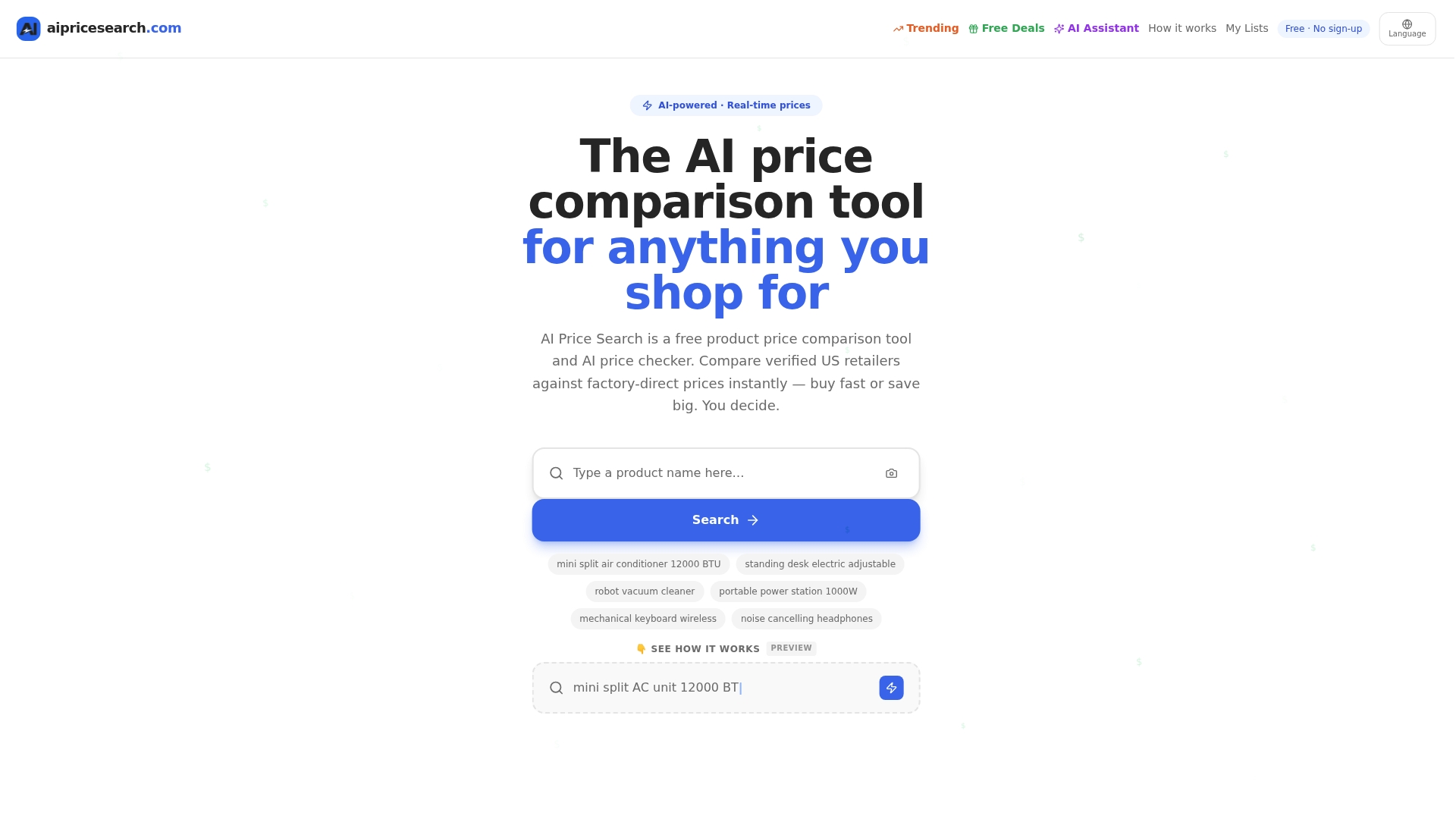
Matching identifiers by hand, running image searches, and adding up shipping and tax across five tabs takes real time. AI Price Search does that work automatically: it aggregates listings by GTIN and image, flags likely dropship markups with its dropship detector, and ranks results by total cost rather than sticker price. Set a price alert or build a shopping list and let the matching happen in the background. Start comparing at AI Price Search.
Sources
- Online shopping | Consumer advice — FTC
- GTIN — GS1
- About unique product identifiers - Google Merchant Center Help
FAQ
What is the best app for comparing prices between stores?
The most reliable apps are ones that let you search by UPC, GTIN, or product photo rather than just keywords, since that’s what produces an exact match. Look for a tool that also ranks results by total cost, including shipping and tax, rather than headline price alone.
What is the 5 4 3 2 1 rule for groceries?
This isn’t a standardized or officially defined rule, and definitions vary widely depending on where you encounter it. Treat any version of this rule as informal budgeting advice rather than an established guideline.
What is the best website to compare items?
The best comparison sites are the ones that verify listings against manufacturer identifiers like GTIN or MPN instead of relying on title matching alone, per Google’s guidance on unique identifiers. A site that also displays seller ratings and return policies alongside price gives you a fuller picture before you buy.
What stores still do price matching?
Price-matching policies vary by retailer and change often, so the FTC advises checking a store’s current policy directly before assuming it applies. Many retailers that once matched competitor prices have scaled back or limited the practice to specific categories, so confirm before you rely on it.
How long does it take to confirm a product match and complete a purchase?
Checking identifiers, running an image search, and comparing total cost across a few listings usually takes a few minutes per product when done manually. Using a tool that automates identifier matching and total-cost ranking can shorten that to under a minute before you click through to buy.